Local first
Files stay local
Your recording is created locally in Chrome and downloaded from the preview tab.
Chrome Extension
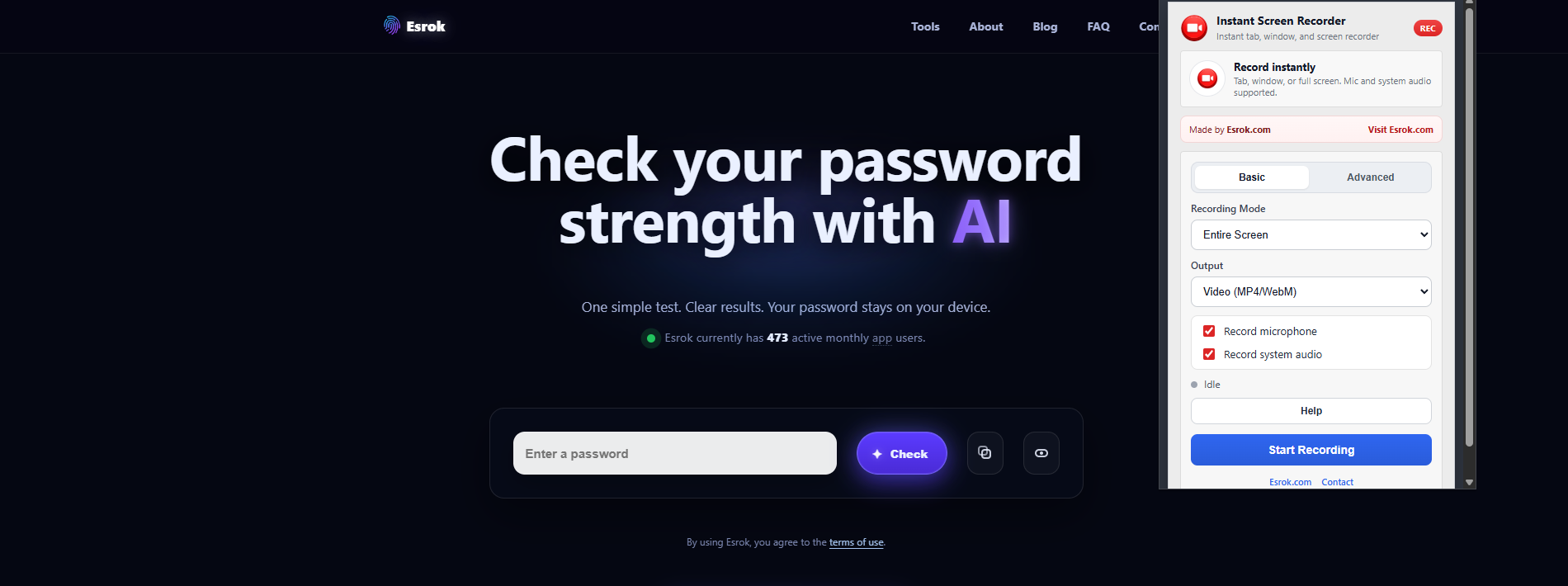
Record your tab, window, or full screen in Chrome, then download your file locally from the Recording Preview tab.
Simple recording flow, local file creation, and clear download options after recording.
Your recording is created locally in Chrome and downloaded from the preview tab.
Choose the recording source that fits your workflow, from single-tab demos to full-screen capture.
Use MP4 when available, or download WebM as a reliable fallback in the Recording Preview tab.
Your file is downloaded from the Recording Preview tab opened by the extension.
Extension popup screenshot.